![logo_peach.png]](https://help.becreatives.co/hs-fs/hubfs/logo_peach.png?height=23&name=logo_peach.png)
Once you submit a request, you will see all related activity by visiting the Requests tab in Space.
Once a Multiple Outcomes request has been created and your editor begins working on it, you'll find it moved to the "Editing" section. Because each outcome is its own request, you can review each outcome individually and either provide feedback for re-editing if needed, or Approve it.
Keep everything organized
Although each outcome has its own request card, they're still connected through a shared Project Title. The Project Title appears in blue above each outcome, making it easy to identify which requests belong to the same project: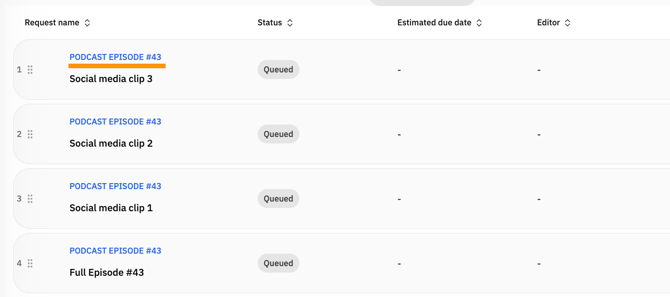
Prioritize each outcome independently
Because each outcome is its own request, you can reorder and prioritize them individually within your Priority Queue.
This gives you greater flexibility to decide which deliverables should be completed first, even when they're part of the same overall project.
Requesting Re-edits
In the case of requiring some re-editing, just click the "Request Re-edit" button and leave time-stamped comments detailing the changes you need made. This will trigger an urgent notification for your editor — That way, they will be able to move the outcome back to the editing phase and work on the changes as soon as possible.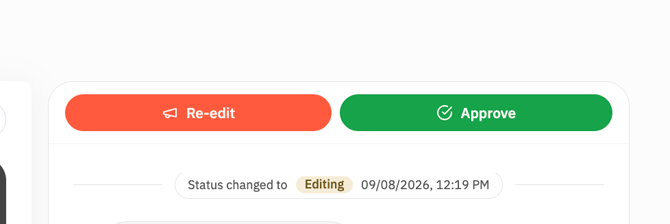
By following the above steps, you can efficiently review and manage multiple outcomes requests on Space, ensuring that your vision is realized and delivering a seamless editing experience. 🚀